8 Steps to Host a Virtual Painting Party That Works
· Editorial Team · 14 min read
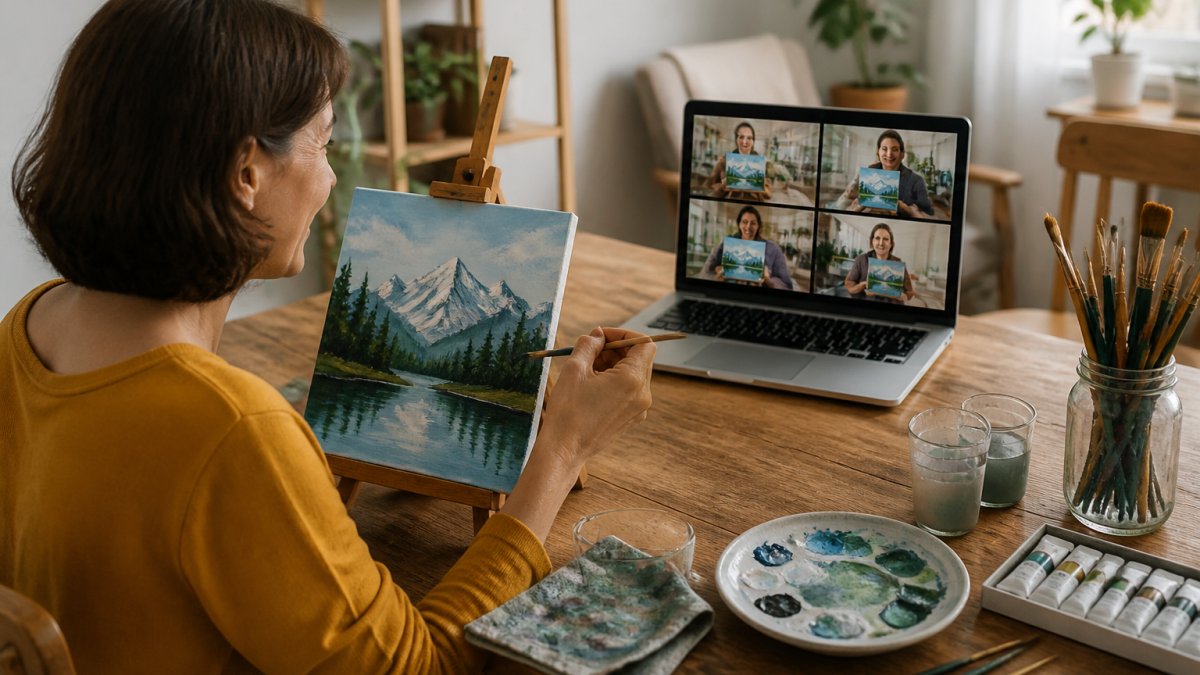
Last Updated: October 25, 2026
Quick Summary
To host a virtual painting party, lock your date, time, and guest list first, then choose a tested video platform and a beginner-friendly design with three to five colors. Order and ship supplies at least ten days ahead, send clear invitation wording, and run the event with a slow step-by-step pace.
- Keep the guest count to 6-12 people so the group stays chatty and the screen readable.
- Plan for 90 minutes to two hours, and ship kits at least ten days before the event.
- Pick a design with three to five colors, large background areas, and a clear focal point.
- Test your platform a day early and frame your camera on canvas, hands, and palette.
- Pause after every instruction and ask guests for a thumbs up when caught up.
Table of Contents
- Step 1: Pick a Date, Time, and Guest List
- Step 2: Choose Your Video-Call Platform
- Step 3: Select a Beginner-Friendly Painting
- Step 4: Order Your Virtual Paint Party Supplies
- Step 5: Nail Your Virtual Paint Night Invitation Wording
- Step 6: Set Up Your Painting Space and Camera
- Step 7: Run the Event, Step by Step
- Step 8: Pick Virtual Painting Party Themes That Fit Your Group
- Frequently Asked Questions
Step 1: Pick a Date, Time, and Guest List
A virtual painting party works best when you lock the date, time, and guest list before anything else.
Start with these basics:
- Guest count: 6-12 people keeps the group chatty and the screen readable
- Date: at least two weeks out if supplies ship by mail
- Time: pick a slot when guests are fed and relaxed, usually early evening
Watch out: skipping the shipping address step is the mistake that sinks most first-time parties. You cannot mail a paint kit to someone whose address you never collected.
Send a save-the-date note the same day you settle the date. It costs nothing and gives guests a reason to protect the evening.
Step 2: Choose Your Video-Call Platform
Pick a platform your least tech-savvy guest can open without help.
Zoom is the safest default. It handles large groups, lets you share your screen, and has a spotlight feature that keeps your canvas front and center.
Whatever you choose, test it a day early. Set up a solo meeting and check three things:
- Your camera shows the canvas and your hands
- Screen share displays a reference image clearly
- Guests can mute and unmute themselves
A common mistake is hosting on a platform you have never tested. Ten minutes of practice saves twenty minutes of dead air on the night.
Step 3: Select a Beginner-Friendly Painting
Choose a design with big shapes, few colors, and a clear order of steps. Beginner-friendly does not mean boring.
The painting selection is where most hosts overreach.
You need a design with a teachable sequence. Each design comes with 10 teachable steps, a color list, and a printable teaching plan.
If you want something original rather than pre-made, you can also generate a paint and sip design on demand.
Look for these traits before you commit:
- Three to five colors, no more
- Large background areas guests can fill fast
- A clear focal point they can block in early
Step 4: Order Your Virtual Paint Party Supplies
Order supplies early, and order a little extra. Virtual paint party supplies are the one part of the plan you cannot fix at the last minute, because the materials have to physically reach every guest before the call.
The core kit for each guest is short:
- One canvas, 8x10 or 11x14 inches
- Acrylic paint in the class colors
- Two or three paintbrushes, one flat and one round
Budget the kit per person
Most hosts find a workable per-guest kit can be adjusted without changing the experience:
- Lean kit: small canvas, a four-color paint set, two brushes, and a paper plate palette. Cheapest per person and easiest to ship flat.
- Standard kit: 11x14 canvas, six-color paint set, three brushes, foam tray, and a water cup. The sweet spot for most groups.
- Upgraded kit: larger canvas, a sturdier brush set, a real palette, and an easel or canvas stand. Best for date nights and repeat hosts who want reusable gear.
Reusable items (brushes, palettes, water cups, easels) cost more up front but pay off if you host more than once. Disposable items (paper plates, paper towels) keep shipping light and cheap. Mix the two: spend on brushes, save on palettes.
Collect addresses and ship on a deadline
Build one form that captures email, shipping address, and any allergy or accessibility notes in a single pass. Do not chase addresses one text at a time.
Ship kits at least ten days before the event. That buffer absorbs a weekend, a weather delay, and one reshipment. If a guest RSVPs late, offer a printable supply list they can buy locally rather than holding the whole party for one box.
Plan for the kit that goes missing
- Keep one spare kit on hand for a local guest or the host to hand off.
- Send a one-page printable supply list with the invitation so any guest can substitute a local store run.
- Photograph each packed kit before shipping so you can confirm what was sent if something arrives incomplete.
Pack so it survives the mail
Acrylic paint tubes can leak under pressure. Bag each paint set in a resealable bag, wrap the canvas so corners do not dent, and tape the box seams. A flat-rate box or padded envelope keeps shipping predictable and cheap.
Step 5: Nail Your Virtual Paint Night Invitation Wording
Your invitation should tell guests exactly what to expect, what to bring, and when to log on. Clear virtual paint night invitation wording removes the questions that clog your inbox.
Keep it warm and specific. Here is a template you can copy and fill in:
You're invited: [Party Name] Paint Night Date: [Day, Date] at [Time] Where: [Zoom/Google Meet link] We'll paint [design name] together, step by step. No experience needed. Your kit ships to you and includes canvas, paints, brushes, and a palette. Add your address here: [form link] Grab a drink, wear something you can splash, and log on five minutes early. RSVP by [date] so your kit arrives in time.
Send it as an email and a text. Some guests live in their inbox; others only read messages. A short reminder two days before the event cuts no-shows.
Step 6: Set Up Your Painting Space and Camera
Set up so guests see your canvas, your hands, and your palette at the same time.
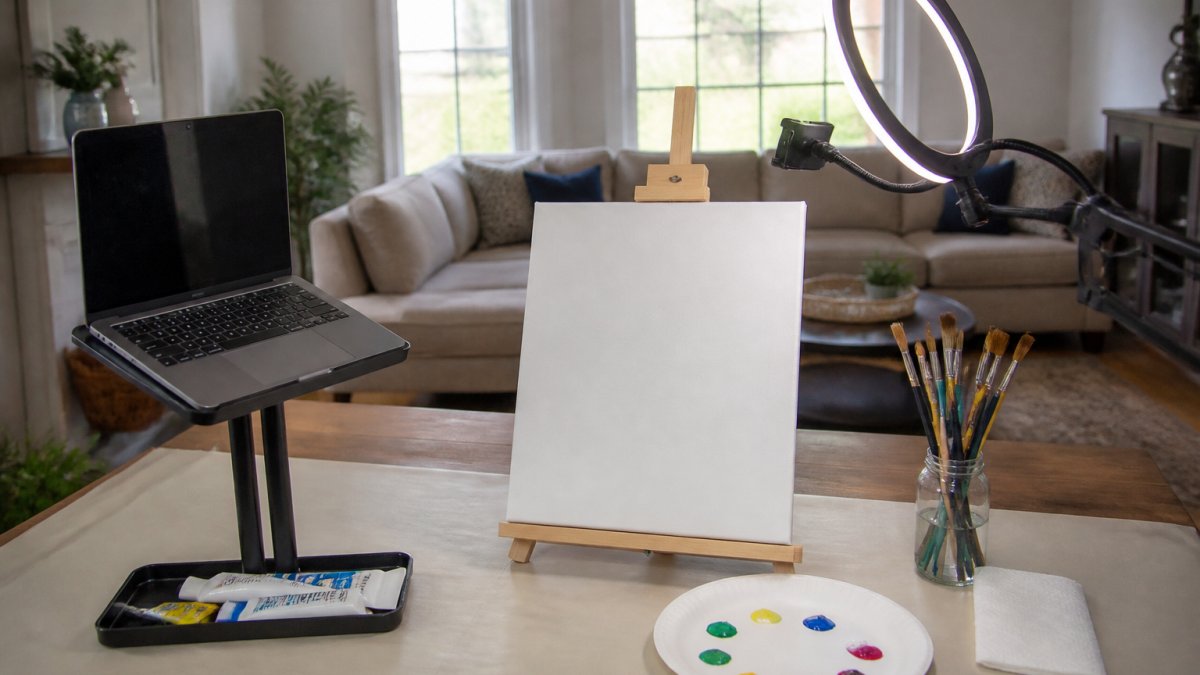
Position your easel or canvas so it fills most of the frame. Prop your phone or laptop at eye level, not below your chin.
Then run this checklist:
- Canvas visible and centered in frame
- Hands and brush strokes in view
- Light in front, not behind you
If your video freezes, switch to screen share with a still reference image and keep talking. Guests can follow a picture while you troubleshoot.
Step 7: Run the Event, Step by Step
Open the room early and keep the pace slow. A virtual paint night lives or dies on pacing, and pacing is entirely in your hands. The timeline below is the spine; the checklists around it are what keep the night from stalling. For a deeper guide on structuring and running a paint and sip class smoothly, see how to plan a paint and sip class.
Before the call: host checklist
Run this the day before and again an hour before:
- Platform meeting link tested and set to let guests in before the host
- Camera framed on the canvas, hands, and palette
- Light in front of the canvas, not behind you
The run-of-show
| Time | What Happens |
|---|---|
| 10 min before | Open the call, greet early guests, check audio |
| First 10 min | Welcome, housekeeping, show the finished painting |
| Next 15 min | Block in the background, everyone together |
| Middle 40 min | Build the focal point, one step at a time |
| Last 20 min | Details, highlights, and cleanup |
| Final 10 min | Show and tell, group photo, sign-off |
Announce each step, then wait. Pause after every instruction and ask guests to give a thumbs up when they are caught up. That pause is what keeps beginners from falling behind.
Keep the room social
Silence kills a virtual party faster than a bad painting. Seed conversation while guests paint: ask what they are drinking, run a quick "show me your palette" moment, and call on quiet guests by name. A five-minute stretch break halfway through resets energy and lets slow painters catch up.
Troubleshoot without losing the room
- Video freezes: switch to screen share with a still reference image and keep talking. Guests can follow a picture while you fix your camera.
- Audio drops: ask guests to type in the chat, then rejoin. Keep a phone dial-in number ready as a fallback.
- A guest falls behind: tell them to skip to the next big shape and catch up on details later. Never let the group wait on one canvas.
Wrap up and follow through
In the final ten minutes, run show and tell, take a group screenshot, and tell guests exactly where to post their finished work. Send a follow-up message the next day with the group photo, the reference image, and a prompt to share their canvas. That follow-through extends the event past the call and gives you a reason to invite the group back.
Step 8: Pick Virtual Painting Party Themes That Fit Your Group
Match the theme to the people in the room, not to your own taste. Virtual painting party themes do more for attendance than almost any other choice.
A few themes that work across groups:
- Girls night: bold flowers, cocktails, or a cheeky quote canvas. Browse canvas painting ideas for a girls night for designs with simple steps.
- Date night: two canvases that pair into one image. See couples painting ideas for a date night for matching designs and printable guides.
- Team building: simple graphics, logos, or a shared abstract everyone completes together
One theme, one design, one color list. Keep it simple and the group stays together.
Frequently Asked Questions
How long does a virtual paint night last?
Plan for 90 minutes to two hours for a beginner-friendly painting. That covers about 15 minutes of welcome and setup checks, 60 to 75 minutes of guided painting, and 10 to 15 minutes for cleanup, photos, and questions. Simple designs with large shapes and few colors finish closer to 90 minutes. If your group is larger or the design has more detail, add 20 to 30 minutes. Tell guests the end time in the invitation so they can plan around it, and build in a short buffer for late arrivals.
What supplies do guests need for a virtual paint party?
Each guest needs a canvas (8x10 or 11x14 inches works well), acrylic paint in the colors for your design, two or three paintbrushes in different sizes, a paper plate or foam tray for a palette, a cup of water, and paper towels. An easel helps but a stack of books works fine. If you are shipping kits, include everything except water and paper towels, and add a printable teaching plan so guests can follow along without squinting at the screen.
How do you teach painting over a video call?
Position your camera so guests see both your canvas and your hands, and paint at the same pace you expect from them. Break the painting into clear steps, announce each color before you use it, and pause after every few steps to ask if anyone is behind. A second device pointed at your canvas gives a close-up view while your main camera shows your face. Pre-written step instructions sent in advance keep guests from getting lost if the video lags.
What should a virtual paint party invitation include?
Include the date, start and end time, the video-call link, a supply list or a note that kits are shipping, the painting you will create, and a deadline to RSVP so you can order materials in time. Add a line about setup, such as joining five minutes early to test audio. If guests need to pick up kits, state the pickup window and address. Keep the wording short and friendly, and send a reminder two days before with the link repeated.
Hosting a virtual painting party takes more planning than people expect, and the design is usually the bottleneck. PaintPrompt removes that bottleneck: describe your idea and get a class-ready design with a 10-step guide, a color list, and a printable teaching plan in seconds. Our beginner-friendly compositions are built by real paint and sip hosts, so guests actually finish their paintings. Get started with PaintPrompt and plan your next paint night in minutes.
