Painting Class Design Templates: 7 Best Picks for 2026
· Editorial Team · 16 min read
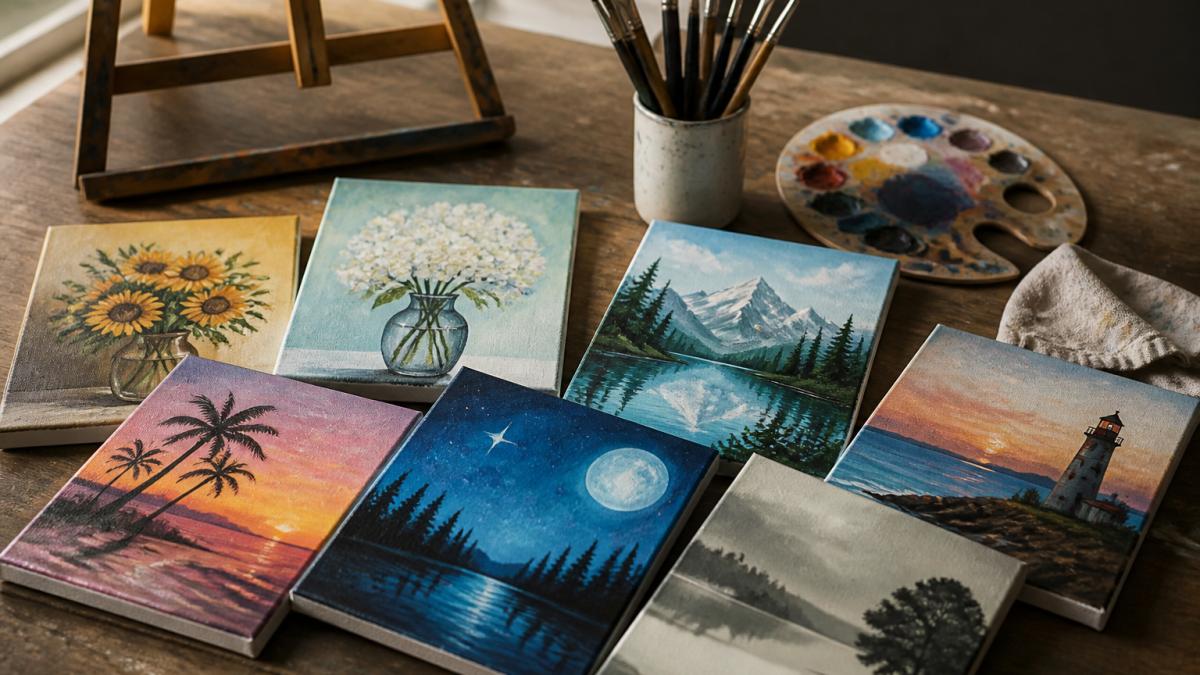
Table of Contents
- Quick Comparison: 7 Painting Class Design Templates
- How We Evaluated These Painting Class Templates
- 1. PaintPrompt: Class-Ready Designs With Teaching Plans
- 3. Canva: Free Customizable Art Templates
- 4. Adobe Express: Editable Art Class Poster Templates
- 5. Venngage: Price-List Templates for Art Classes
- 6. Magnific: Free PSD Art Class Templates for Commercial Use
- Choosing the Right Template for Your Class Type
- Print and Digital Specs, Plus Licensing Basics
- Frequently Asked Questions
Last Updated: October 7, 2026
Quick Comparison: 7 Painting Class Design Templates
The right painting class design templates do two jobs: fill seats and give students a project they can finish. At PaintPrompt, we build class-ready designs with 10-step instructions, a color list, and a printable teaching plan.
Quick Picks:
- Best Overall: PaintPrompt, the only option that pairs a design with a full teaching plan
- Best for Flyer Volume: PosterMyWall, hundreds of painting-class-specific templates
- Best Free Starting Point: Canva, free, customizable art templates
| Template Source | Free Option | Design Types | Teaching Guide Included | Best For |
|---|---|---|---|---|
| PaintPrompt | Free trial | Class-ready designs + lesson plans | Yes | Hosts who need design and instruction |
| PosterMyWall | Free templates | Flyers, posters, social graphics | No | High-volume promo needs |
| Canva | Free templates | General art templates | No | Beginners on a budget |
| Adobe Express | Free customization | Art-class posters | No | Editable poster design |
| Venngage | Not confirmed | Art price lists | No | Displaying class fees |
| Magnific | Free assets | PSD art-class files | No | Designers using PSD software |
The pattern is clear: most template libraries stop at the flyer. Only one pick solves the harder problem, what happens once guests are at the easels.
How We Evaluated These Painting Class Templates
We judged each source on five criteria: template variety, customization depth, print and digital format support, licensing terms, and whether the template helps you teach, not just advertise. That last criterion matters most: a gorgeous poster gets people in the door, but a weak beginner painting lesson plan sends them home with no reason to book again. We also weighted how quickly an instructor can go from idea to finished file, if a template takes an hour to wrestle into shape, it fails.
1. PaintPrompt: Class-Ready Designs With Teaching Plans
PaintPrompt is our top pick because it is the only tool here that generates the design and the lesson together.
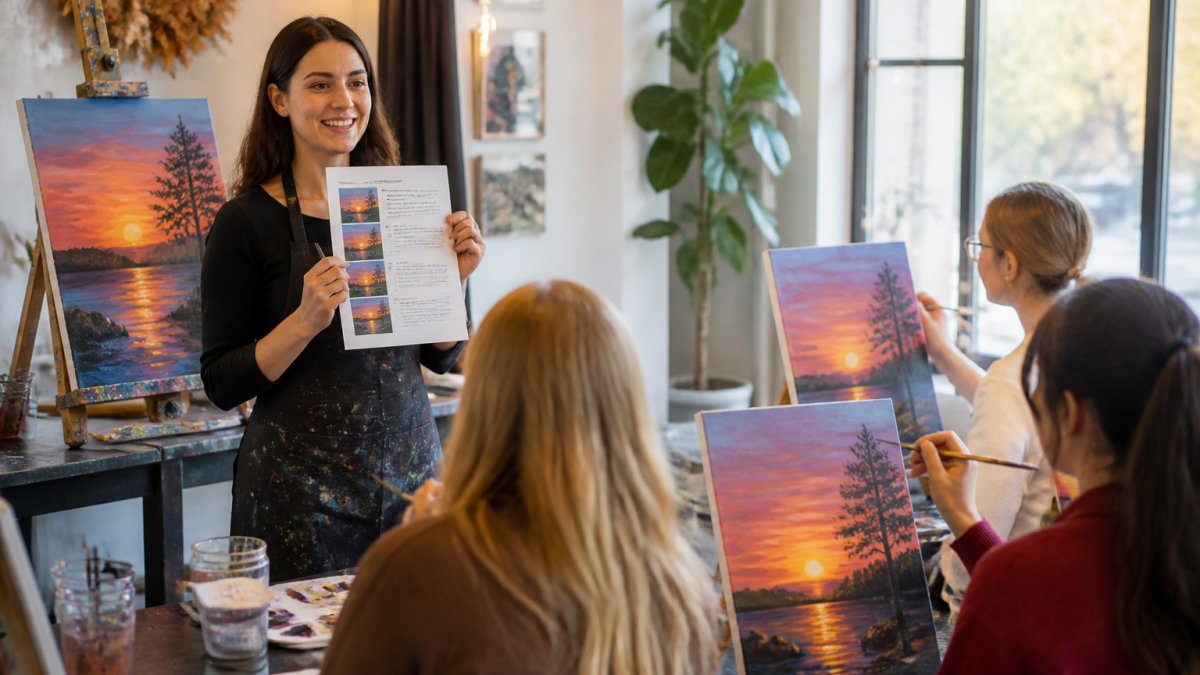
The tradeoff is focus: this is a promotional design tool, so you get class announcements and event advertising, but nothing that helps you teach. For instructors who already have a lesson process and just need flyer templates fast, that is a fair deal.
3. Canva: Free Customizable Art Templates
Canva offers free art templates you can customize and share, making it the easiest entry point for anyone new to design. The editor is forgiving, and the library covers most general art-themed layouts.
What it lacks, based on the available listings, is painting-class lesson-plan or teaching-guide templates. You will find plenty of class flyer templates and social graphics, but the instructional side is on you, a reasonable start for a beginner testing whether they enjoy teaching.
4. Adobe Express: Editable Art Class Poster Templates
Adobe Express provides art-class poster templates you can edit online, and you can start customizing one for free. They are categorized specifically for art-class posters, saving the scrolling general libraries require.
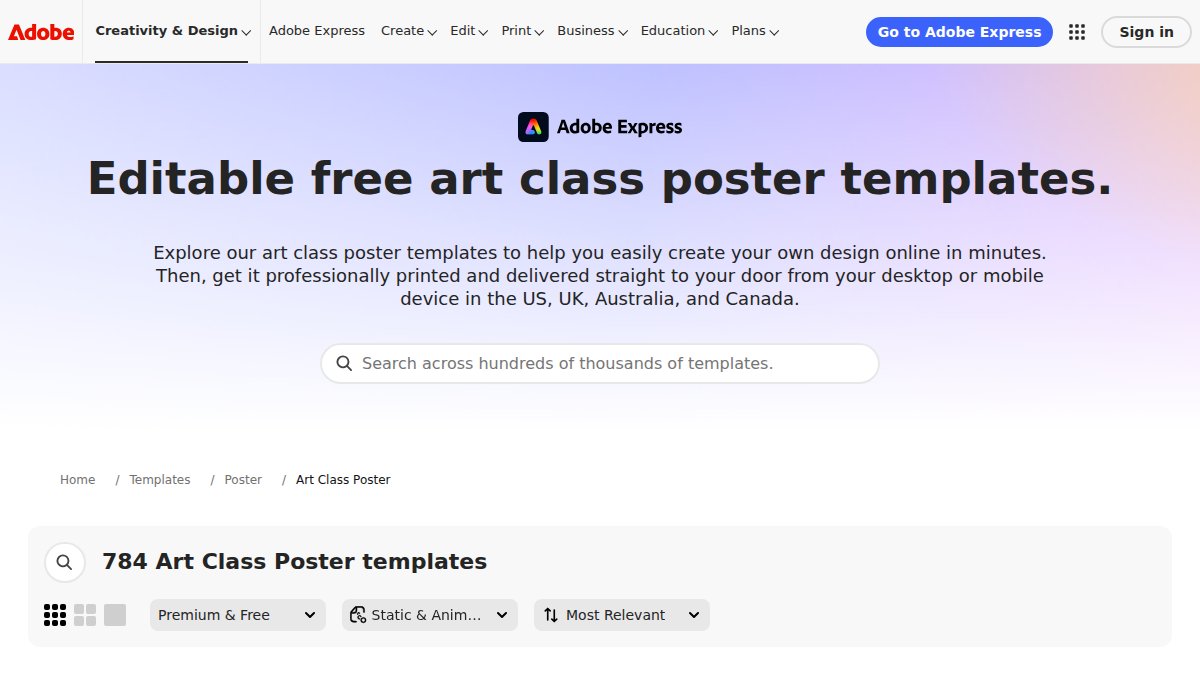
This is a solid choice for a teacher who needs one clean, editable poster to advertise a workshop. Where it falls short is everything after the poster: no lesson structure, no supply lists, no teaching plan.
5. Venngage: Price-List Templates for Art Classes
Venngage takes a different angle with customizable art price-list templates. If you run multiple class tiers, a members' rate, or sell artwork alongside workshops, a designed price list keeps fees readable instead of burying them in text.
The supplied listings do not confirm whether these templates are free, so check the site directly before planning around them. This is a niche tool, but for studios with complicated pricing, a clear price list reduces registration friction.
6. Magnific: Free PSD Art Class Templates for Commercial Use
Magnific supplies downloadable art-class PSD templates and creative project assets. The listings describe them as high quality and free for commercial use, which matters if you sell branded merchandise or run paid promotion.
The catch is the format: PSD files assume you have Photoshop or a compatible editor and know your way around layers. If you are comfortable there, this is a strong free source.
Choosing the Right Template for Your Class Type
Selection comes down to three questions: who is painting, what are they painting, and who is teaching. A first-timer needs a forgiving composition and clear steps; a corporate group needs a project that finishes inside a set window; a recurring studio class needs fresh ideas every month.
By audience and skill level
Children's classes (ages 5-12). Prioritize bold shapes, few colors, and large brush areas.
Beginner adults (first-timers). This is the largest paint-and-sip audience.
Intermediate and advanced students. These painters want technique, not a traced outline.
Paint-and-sip and social events. The template has to sell the experience, not the art.
Corporate team-building. The finished piece is the point, and the schedule is tight.
By class format
- One-off class: a single flyer plus one social graphic is enough. Lead with date, time, and a registration link.
- Recurring weekly class: build a template family, same layout, swap the featured painting each week, so regulars recognize your brand instantly.
- Multi-session course: use a price-list or package template alongside the flyer so students can see the full commitment and the per-session cost.
A quick decision framework
- Solo instructor, first class: start with free customizable templates and a simple beginner painting lesson plan
- Studio running weekly events: prioritize a source that supplies both designs and teaching plans
- Corporate event planner: look for beginner-friendly compositions that guarantee a finished painting
Print and Digital Specs, Plus Licensing Basics
Most template libraries export both print-ready and web-sized files, so one design can become a class flyer, an Instagram post, and a printed handout. But "export" means different things in different tools, and the specs that matter for a paid class promotion are rarely spelled out. Here is what to check before you publish.
Print specifications
- Flyer sizes: Standard U.S. handbills are 8.5 x 11 in (letter) and 5.5 x 8.5 in (half-letter). Posters commonly run 11 x 17 in (tabloid), 18 x 24 in, and 24 x 36 in. Pick the size your printer stocks before you design.
- Resolution: 300 DPI at final print size is the baseline for anything going to a commercial printer or a home inkjet. Web-exported graphics are typically 72-150 DPI and will look soft on paper.
- Bleed and safe margins: Commercial printers usually want 0.125 in of bleed per edge and a 0.125-0.25 in safe margin so text and logos aren't trimmed. Screen-built templates often have zero bleed, so your background stops short of the paper edge.
Digital and social specifications
Platforms change their recommended sizes, so verify in the platform's own help center before you export, but the current common sizes are:
- Instagram feed: 1080 x 1080 px (square) or 1080 x 1350 px (portrait)
- Instagram and Facebook Stories / Reels cover: 1080 x 1920 px
- Facebook event cover: 1920 x 1005 px
Export social graphics as PNG for text-heavy designs (crisper edges) and JPG for photo-heavy designs (smaller file). Keep any text at least 40 px tall in a 1080 px-wide graphic so it stays legible on a phone.
Accessibility
A flyer that only works for sighted readers excludes part of your audience. Two low-effort fixes: keep body text at a contrast ratio of at least 4.5:1 against its background (WCAG AA), and add alt text to every image you post. If your template uses a script font for the title, pair it with a plain sans-serif for the date, price, and registration URL.
Licensing and commercial use
Terms vary by source, and a template's license is not the same as the license for the fonts and photos inside it. Check three things separately:
- The template license. Some libraries allow free use for personal projects but require a paid tier for anything promoting a paid class.
- The font license. Many free fonts are free for personal use only. A commercial-use font license is usually required the moment you charge for the class you're advertising.
- The image license. Stock photos inside a template often carry their own restrictions, including limits on print runs or merchandise use.
Magnific's listings state free commercial use for their art-class assets, while other libraries mix free and paid tiers with different rules. For broader guidance on what counts as commercial use, the U.S. Copyright Office guidance on fair use is a useful reference point, and the Federal Trade Commission's advertising and marketing basics covers what your class promotion can and cannot claim.
Frequently Asked Questions
What should a painting class flyer include?
A strong flyer covers the class name, date and time, location, price, skill level, and a clear image of the finished painting. Add a registration link or QR code, your studio name, and a short line about what supplies are provided. If you use a painting class flyer template, check that the text fields are editable so you can swap in your own details without redesigning the layout.
Where can I find editable painting class design templates?
PosterMyWall, Canva, and Adobe Express all offer editable painting class design templates, and several are free to customize. Magnific provides downloadable PSD files that are free for commercial use if you work in Photoshop. For templates that include a teaching plan and step-by-step guide, PaintPrompt generates a class-ready design from a short description, which saves the extra step of writing instructions yourself.
How do you plan a beginner painting workshop?
Pick a composition with large shapes and few fine details, then build a beginner painting lesson plan around 8 to 12 steps. Test the painting yourself before class so you know where students get stuck. Print a step guide and color list for each guest, and set up stations with pre-poured paint. Most beginner sessions run 90 minutes to 2 hours, including drying time between layers.
What painting projects are easy for beginners?
Sunsets, single flowers, simple landscapes, and abstract color blocks work well because they rely on broad brushstrokes rather than precise detail. Paint-and-sip studios often use these for easy painting ideas for beginners since guests can finish in one session. Look for a template with a shape guide so students can block in the composition before adding color, which reduces the chance of a painting that never comes together.
Can I use free painting class templates for commercial events?
It depends on the license. Magnific states its art class assets are free for commercial use, while Canva and Adobe Express free tiers have their own terms that may restrict certain uses. Always check the license page before printing flyers for a paid event. If you plan to sell or redistribute the template itself, confirm the terms allow it, since most free templates permit finished designs but not resale of the file.
Running a painting class means juggling two jobs: filling the room and teaching the room. Most template libraries only help with the first. PaintPrompt handles both, generating a class-ready design with a 10-step guide, a color list, and a printable teaching plan in seconds, so you can plan a full month of classes in minutes and never run out of ideas. Get started with PaintPrompt and turn your next class idea into a finished lesson before your coffee goes cold.