AI Tools for Creative Workshop Design: 2026 Guide
· Editorial Team · 13 min read

Table of Contents
- Why AI Tools for Creative Workshop Design Change the Prep Work
- Quick Comparison: Top AI Tools for Creative Workshop Design
- PaintPrompt: Fastest Way to Generate Class-Ready Art Projects
- How AI-Generated Art Lesson Plans Keep Every Student on Track
- Creative Workshop Agenda Templates That Adapt in Real Time
- Beyond the Studio: AI Tools for Event Planning and Logistics
- Best Practices for AI-Assisted Teaching in Art Workshops
- Conclusion: Picking the Right Tool for Your Next Workshop
- Frequently Asked Questions
Last Updated: October 4, 2026
Why AI Tools for Creative Workshop Design Change the Prep Work
Planning a paint and sip class used to mean sketching sample canvases and writing step lists by hand. AI tools for creative workshop design cut that prep time down to minutes: describe what you want and let the software draft the plan.
Prep is where most hosts lose time and money. A class that isn't fully planned leads to confused guests, half-finished paintings, and refund requests.
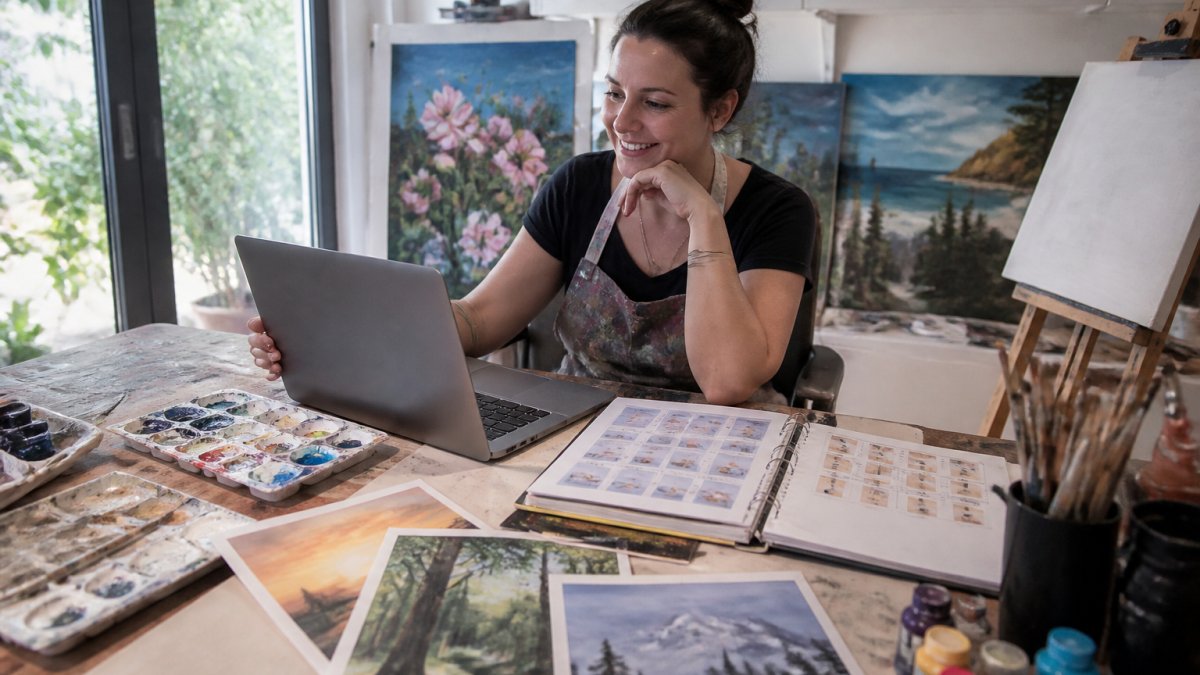
Traditional planning is a solo creative sprint with no safety net. AI-assisted planning gives you a starting structure you can adjust, so you still bring your teaching style but skip the blank-page problem.
Quick Comparison: Top AI Tools for Creative Workshop Design
Different tools solve different parts of the puzzle. Here's how the main options stack up.
| Tool | Best For | Standout Feature | Free Tier |
|---|---|---|---|
| PaintPrompt | Paint and sip classes, step-by-step plans | 10-step guide, color list, printable teaching plan | Yes |
| Miro | Brainstorming and facilitation | AI sticky note clustering | Yes |
| Canva | Visual assets and slide decks | Magic Studio generation | Yes |
| SessionLab | Structured agendas and timing | AI agenda builder | Yes |
| Midjourney | Mood boards and inspiration | High-fidelity image generation | No |
PaintPrompt: Fastest Way to Generate Class-Ready Art Projects
PaintPrompt turns a plain description into a complete, class-ready painting design with a 10-step guide, color list, and printable teaching plan. You type an idea and get everything a beginner needs to finish the piece, no planning, no guesswork.
What separates it from general design tools is the output format. The compositions are beginner-friendly by design, built by real paint and sip hosts who know where students get stuck.
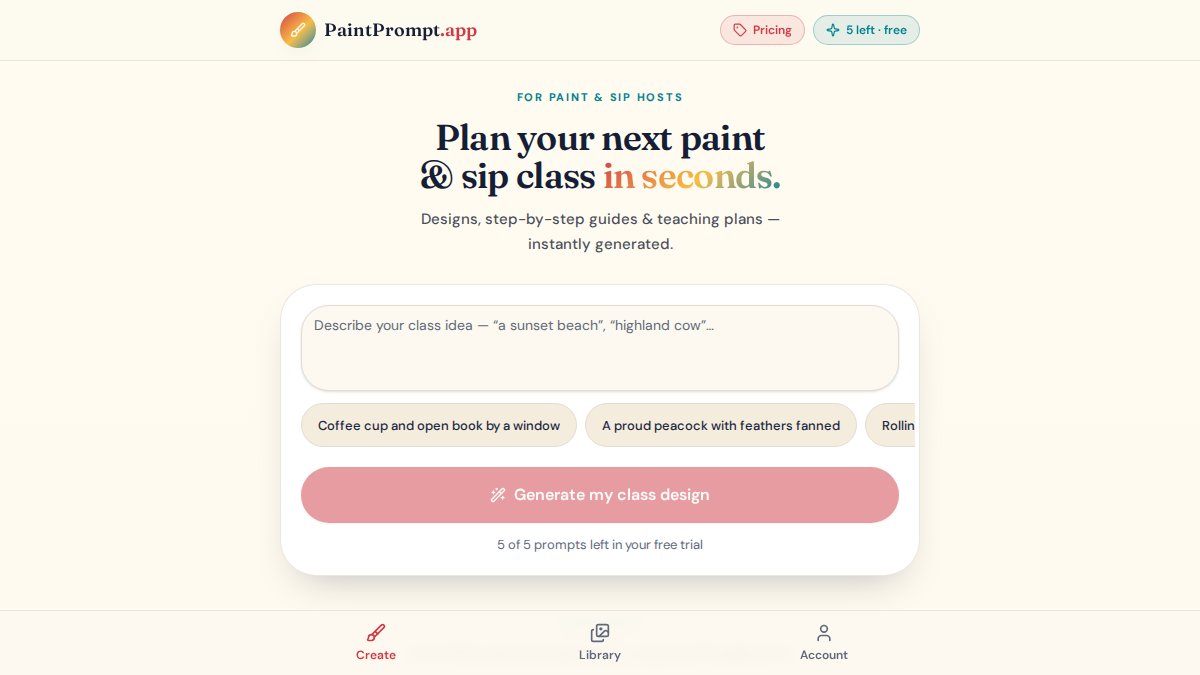
The practical wins:
- Plan a full month of classes in minutes
- Unlimited ideas on demand, so you never run dry
- Every design ships with a color list and printable guide
- Guests finish their paintings, which means fewer refunds
One honest limitation: if you already run a tight curriculum and love your process, the value is speed and variety, not reinvention.
How AI-Generated Art Lesson Plans Keep Every Student on Track
AI-generated art lesson plans break a finished image into sequential, teachable steps. The tool reverse-engineers the painting into a shape guide, a color list, and a numbered sequence, so students follow along without guessing where the next stroke goes.
That structure keeps a class together. In a room of twelve, three will race ahead and two will fall behind; a clear step list gives you a shared pace. Point to step four and everyone knows where they are.
Mel K., a host who prints guides for every guest, put it simply: everyone went home with a painting they loved. That's what a good lesson plan produces.
Creative Workshop Agenda Templates That Adapt in Real Time
Creative workshop agenda templates give you a time-boxed skeleton for the session. For a paint and sip night, this means blocking out intro, demo, painting, and wrap-up, then flexing when the room needs it.
Real-time adaptation is where AI earns its keep. Feed an AI tool your fixed constraints (start time, end time, room capacity, skill level) and flexible blocks (demo length, guided steps, break timing), and it proposes a schedule that protects the fixed points and flags which blocks can stretch or shrink.
A simple agenda for a two-hour class:
- Welcome and setup (10 minutes)
- Demo the first three steps (15 minutes)
- Guided painting, steps 4-7 (45 minutes)
- Break and refill (10 minutes)
- Finish steps 8-10 (30 minutes)
- Photos and cleanup (10 minutes)
Adjust the middle blocks first. The opening and closing are fixed points your guests rely on.
Where Real-Time Adaptation Actually Pays Off
The value shows up in three scenarios generic agenda advice ignores:
- Mixed-skill rooms. When half the group has painted before and half has never held a brush, a single pace fails both. AI-assisted agendas let you split the middle block into a core track and an optional detail track, so advanced guests add texture while beginners finish the base composition.
- Corporate team-building sessions. These groups often arrive late, talk more during the intro, and care less about finishing a perfect painting than about the shared experience. An adaptive agenda lets you protect the social block and compress the technical steps without the session feeling cut short.
- Private parties with a hard stop. When the venue closes at 9 p.m. sharp, the agenda has to bend backward from the end time, not forward from the start. AI tools handle this constraint better than a static template because they can recalculate the whole timeline when one block overruns.
Accessibility as an Agenda Constraint
Most agenda templates assume every guest can stand at an easel for two hours, follow spoken instructions in real time, and process visual steps at the same pace. That excludes a meaningful share of paying guests, neurodivergent participants, people with low vision or hearing loss, and anyone managing chronic pain or fatigue.
AI tools can help you build an agenda that accounts for this from the start, not as an afterthought:
- Written step-by-step guides at every station. This is the single highest-impact accommodation for paint and sip classes. Guests who process written instructions better than spoken ones, or who need to revisit a step without interrupting the room, can self-serve. AI-generated lesson plans already produce this format, you just have to print it.
- Buffer time built into the schedule. A 5-minute buffer after the demo and before the break gives guests who need extra processing time a chance to catch up without feeling singled out.
- Quiet-zone planning. If your studio has a corner away from the main group, note it in the agenda as an optional reset space. AI agenda builders won't suggest this on their own, but you can add it as a fixed block.
- Seating flexibility. Ask the AI to generate a setup diagram that includes at least one table with extra clearance for a wheelchair or mobility aid. Most tools will produce a generic grid unless you specify the constraint.
Beyond the Studio: AI Tools for Event Planning and Logistics
AI tools for event planning extend the same logic to logistics: guest counts, supply lists, room setup, and timing. If you run corporate team-building or private parties, the planning load multiplies fast. You're not just teaching a painting, you're coordinating a room.
Treat logistics as a checklist an AI tool drafts and you refine. Ask for a supply list scaled to your headcount, a setup timeline, and a breakdown of who does what, and you'll catch gaps before they become problems.
For hosts juggling the creative and operational sides, this is where time savings compound: the lesson plan handles the art, the logistics draft handles the room.
The Part Nobody Plans For: What Happens After the Class Ends
Every guide on AI workshop design stops at the end of the session.
Impact measurement for corporate clients. If you run team-building sessions for companies, the buyer often wants more than a group photo. They want evidence the session did something.
Building a feedback loop into your lesson plans. Every class generates data: which steps ran long, which colors ran out, which guests finished early.
Data Privacy: What Not to Feed Into an AI Tool
There's a real risk none of the top-ranking guides mention: when you paste participant feedback, guest lists, or corporate client details into a general-purpose AI tool, you may be handing over information you don't have the right to share.
A few practical rules:
- Strip names and contact info before you paste anything. Feedback themes don't require identifying details.
- Check your corporate client contracts. Many companies have confidentiality clauses that cover participant feedback, even when it's anonymized.
- Read the tool's data policy. Some AI tools train on your inputs by default. If you're handling client data, use a tool that lets you opt out or delete your history.
- Keep a local copy of raw feedback. Don't let the AI tool become the only place your session data lives.
This isn't about avoiding AI for post-workshop analysis. It's about using it like any other vendor who handles guest information, with a clear sense of what's appropriate to share and what isn't.
Best Practices for AI-Assisted Teaching in Art Workshops
Best practices for AI-assisted teaching come down to one rule: the AI plans, you teach. The tool gives you structure and speed, but the encouragement, pacing, and save-the-day brushstroke fixes are still yours.
A few habits that make it work:
- Review every generated plan before class and paint it yourself once
- Keep a printed guide at each station so guests can self-check
- Use the color list as your shopping list, not a suggestion
- Save the plans that land well and build a library over time
- Mix your own ideas with generated ones
Claire T. noted that the shape guide let her whole class see how to block the picture in. That's the goal: a plan clear enough that you focus on the people, not the steps.
Conclusion: Picking the Right Tool for Your Next Workshop
The hardest part of running creative workshops isn't the painting, it's the prep that never seems to end. If you want that time back, start with the tool built for your exact job. PaintPrompt generates a class-ready design with a 10-step guide, a color list, and a printable teaching plan, built by real paint and sip hosts. It offers a free trial, so you can test a full class before you commit. Generate your first class design and see how fast prep can actually go.
Frequently Asked Questions
How can AI assist in designing creative workshop agendas?
AI tools can generate time-boxed agendas based on your workshop goals, participant count, and session length. You describe what you want to accomplish, and the tool suggests activity sequences with built-in timing. For art workshops specifically, PaintPrompt takes it further by producing a complete class-ready design with a 10-step guide, color list, and printable teaching plan, so your agenda doubles as a facilitation script.
What are the best AI tools for generating art lesson plans?
PaintPrompt is built specifically for paint and sip hosts and art instructors. It generates a full class design, a 10-step instruction sequence, a color list, and a printable guide you can hand to every participant.
Can AI help with event planning for creative workshops?
Yes. AI tools handle the logistics side: generating supply checklists, timing schedules, participant communication templates, and even post-event feedback surveys. PaintPrompt covers the creative side by delivering the actual class content, so you are not scrambling to write a lesson plan the night before.
Are there AI tools that provide printable teaching materials for artists?
PaintPrompt generates a printable teaching plan alongside every class design, including a 10-step guide and color list sized for standard paper. Instructors print these for each guest, which keeps everyone following the same sequence. If printable, step-by-step materials are your priority, a tool that outputs them automatically saves the most time.
How can AI improve participant engagement in creative workshops?
AI helps engagement by removing the two things that kill a workshop: unclear instructions and dead time. When every participant has a printed 10-step guide with a color list, they spend less time asking what comes next and more time painting. The result is a session where people stay focused because the path forward is always visible.